


- Visit www.poruwa.lk
- Click “Create / Login”.
- Enter your phone number, then enter the one-time password (OTP) sent to it.
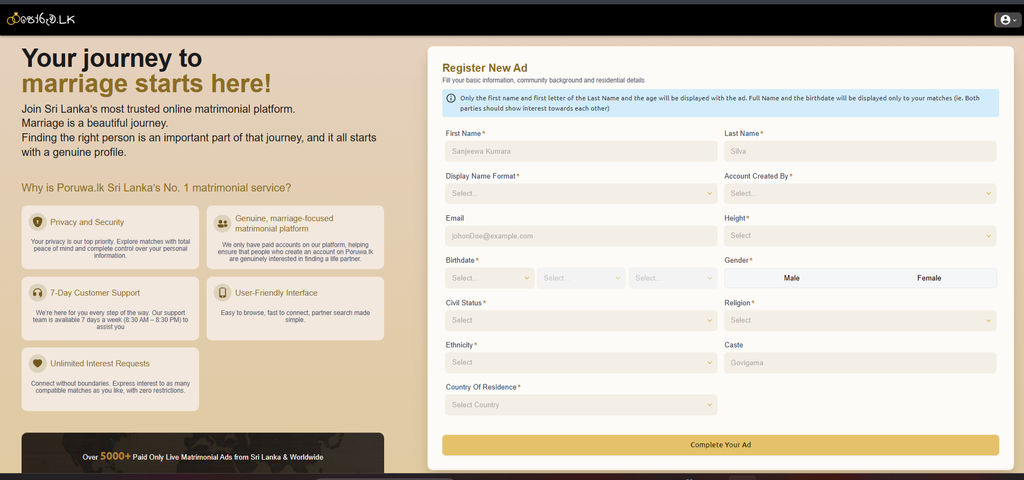
- Enter your basic information.
5. Review your details, then select a package and payment method to publish your ad
- Review your details, then select a package and payment method to publish your ad
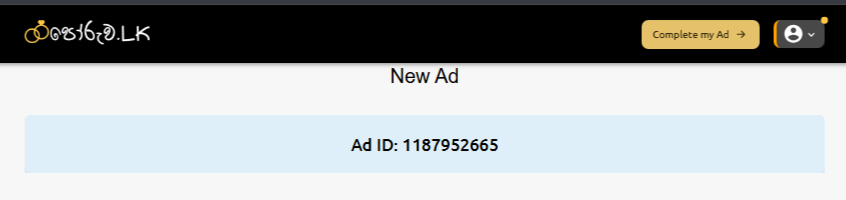
- Once your payment is successful, click “Complete my Ad” to add the rest of your details.
- To complete your account, fill in the sections marked “Incomplete” or “Optional” on this page, then click “Submit for Review.
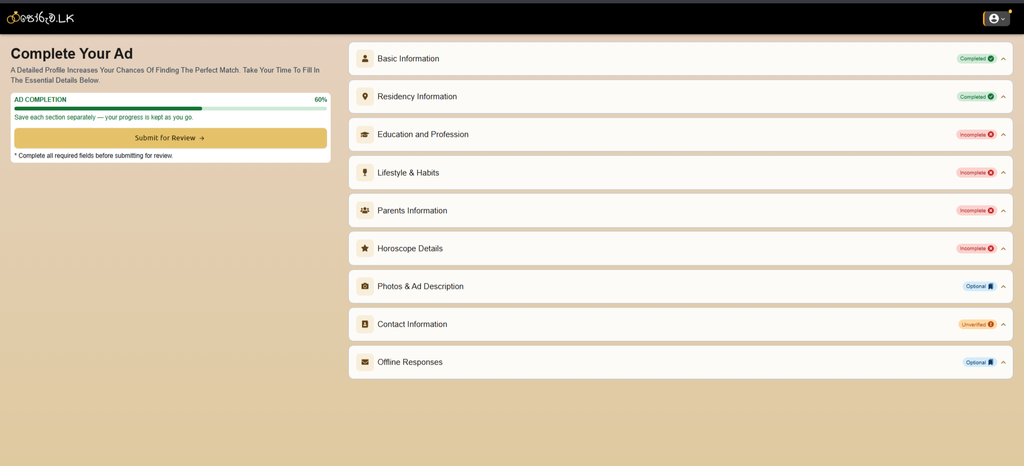
8. poruwa.lk team will review your completed account and activate it shortly.


 By